Complete Guide to VDI Performance Testing | Citrix, AVD, Omnissa Horizon
Why VDI testing matters, platform-specific load profiles, scenario design, live cockpit metrics. Citrix, AVD, Omnissa Horizon, RDS.
LoadGen Engineering
Product Strategy
Why it matters, how to do it right, and what to avoid. Platform-specific load profiles for Citrix, AVD, Omnissa Horizon, and RDS — with live cockpit metrics and results comparison.
Why VDI testing matters
Don't guess — measure before you scale.
-
Capacity planning — Know how many users your VDI farm can support before you add them.
-
Change validation — Prove that OS patches, GPU drivers, or broker updates don't degrade UX.
-
Migration confidence — Baseline Citrix, test AVD, compare side-by-side before cutover.
-
SLA validation — Document P90/P95 response times and error rates for contracts.
Platform-specific load profiles
One wizard per platform — not generic templates.
| Platform | Wizard Route | What's Configured |
|---|---|---|
| Citrix | /config/load-profiles/new/citrix | StoreFront, Gateway, PNAgent, ICA display, session config |
| AVD (WVD) | /config/load-profiles/new/wvd | Azure-specific connection, ARM templates |
| RDS | /config/load-profiles/new/rdp | RDP connection, session host config |
| Generic | /config/load-profiles/new/generic | Custom workloads, command-line scenarios |
Each wizard guides you through connection, users, agents, display, scenario, and advanced settings. Same phase model (Idle, RampUp, Sustain, RampDown) across all platforms.
Scenario design best practices
Design scenarios that mirror real users.
- Workload selection — Use workloads that match your user personas (Office, browser, CAD, etc.). Configure at
/config/workloads. - Phase timing — RampUp simulates gradual login; Sustain holds load; RampDown logs off. Avoid instant spikes.
- Think time — Add delays between actions. Real users don't click every second.
- Concurrency vs. throughput — More vUsers ≠ better test. Match your target peak concurrency.
Live cockpit metrics
Watch tests in real time — live cockpit.
- Active sessions — See running tests at
/testing/active - Per-agent status — Logon, running, error states
- Real-time metrics — Response times, throughput, error counts
- Abort/control — Stop tests early if something goes wrong
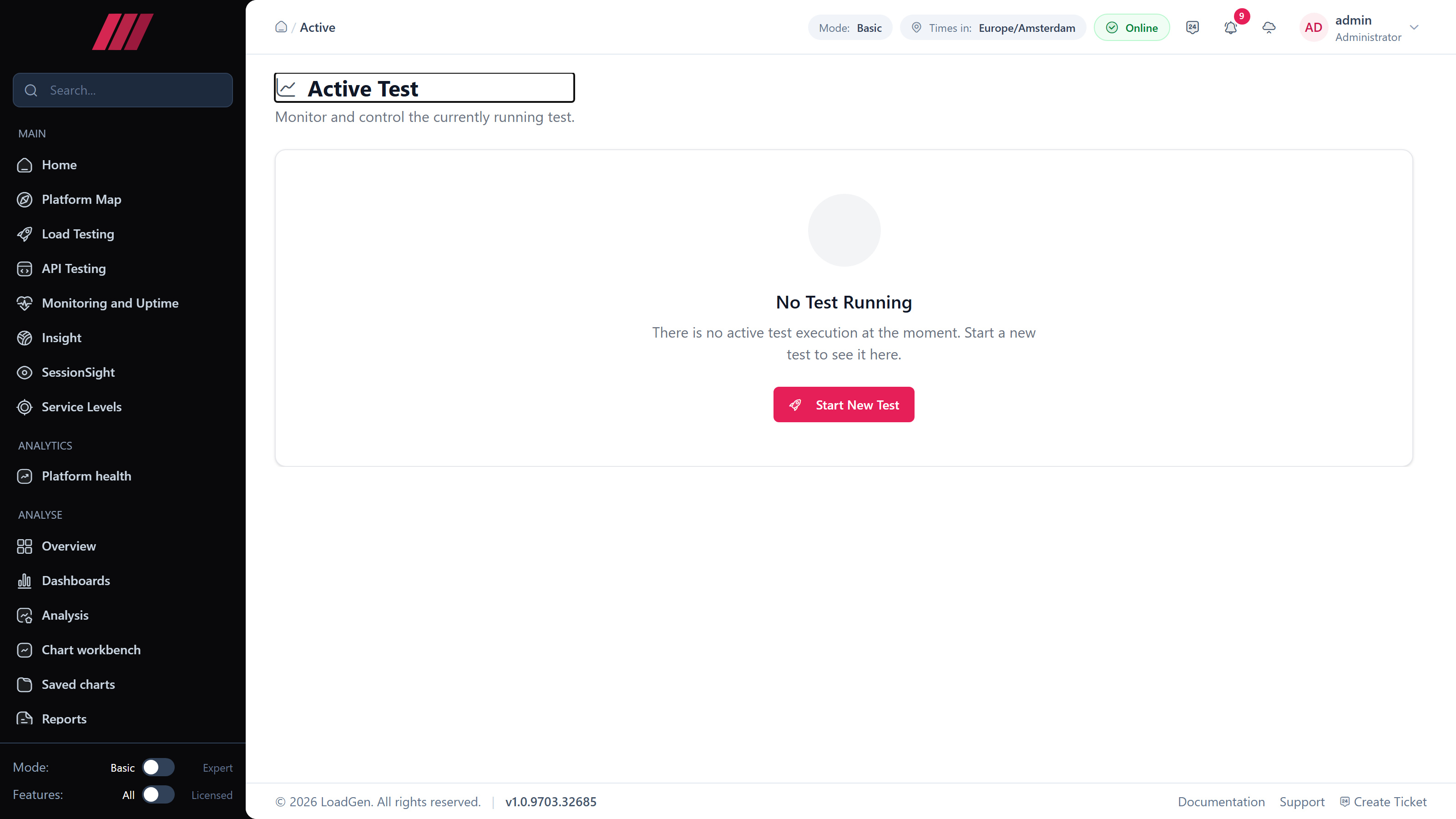 The
The /testing/active cockpit surface. Shown here between runs — the cockpit fills with per-agent status, real-time metrics and abort controls the moment a run starts.
Results comparison
Compare up to 5 tests side-by-side.
- Date range, profile, status filters
- Overlay P90, P95, error rates across runs
- Detail modal: Overview, Moments, Measurements, Errors
- Trend strip for historical analysis
Route: /testing/results
Common pitfalls to avoid
5 mistakes that kill VDI test validity.
- Wrong agent type — Use VDI agents for session-based load; Full agents for fat-client. Configure at
/agents/vdiand/agents/full. - Too few agents — One agent per vUser for session-based. Scale agents before vUsers.
- Ignoring SUT monitoring — Add counter templates and SUT machines. Route:
/configuration/systems-under-test. - No baseline — Always run a baseline before changes. Compare at
/testing/results. - Generic profile for Citrix — Use the Citrix wizard. Connection and display settings matter.
Routes reference
| Feature | Route |
|---|---|
| Run Test | /testing/run |
| Active Sessions (Live Cockpit) | /testing/active |
| Results | /testing/results |
| Citrix Load Profile | /config/load-profiles/new/citrix |
| AVD Load Profile | /config/load-profiles/new/wvd |
| RDP Load Profile | /config/load-profiles/new/rdp |
| Workloads | /config/workloads |
| VDI Agents | /agents/vdi |
First test within 4 hours
Platform-specific wizards, live cockpit, results comparison. No lengthy setup.
Related reads
Keep reading.
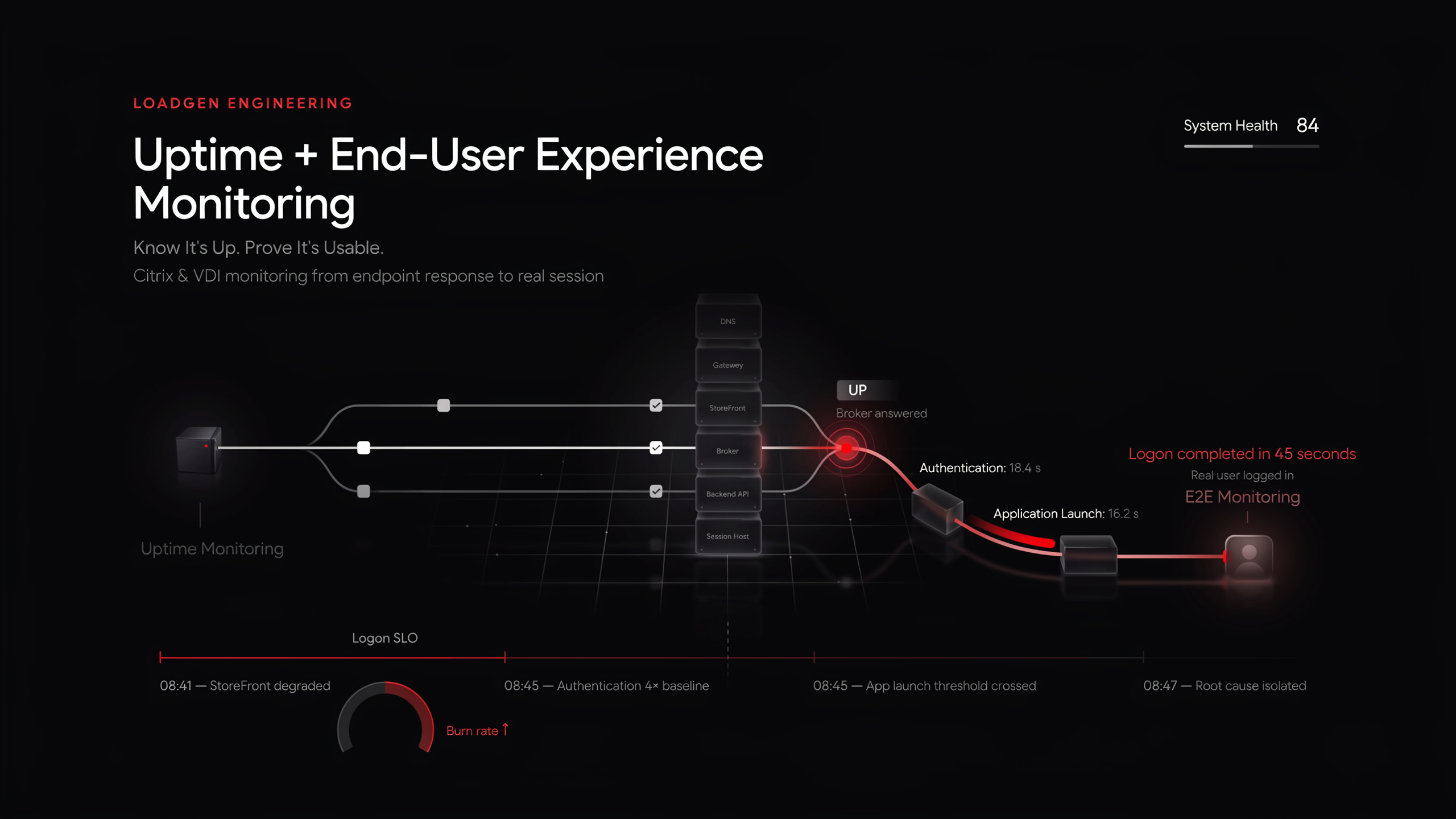
Uptime Monitoring + End-User Experience Monitoring for Citrix & VDI | LoadGen
Uptime says the broker answered. End-to-end monitoring says a real user logged in — in 45 seconds. Why VDI needs both, and how to run them on one platform.
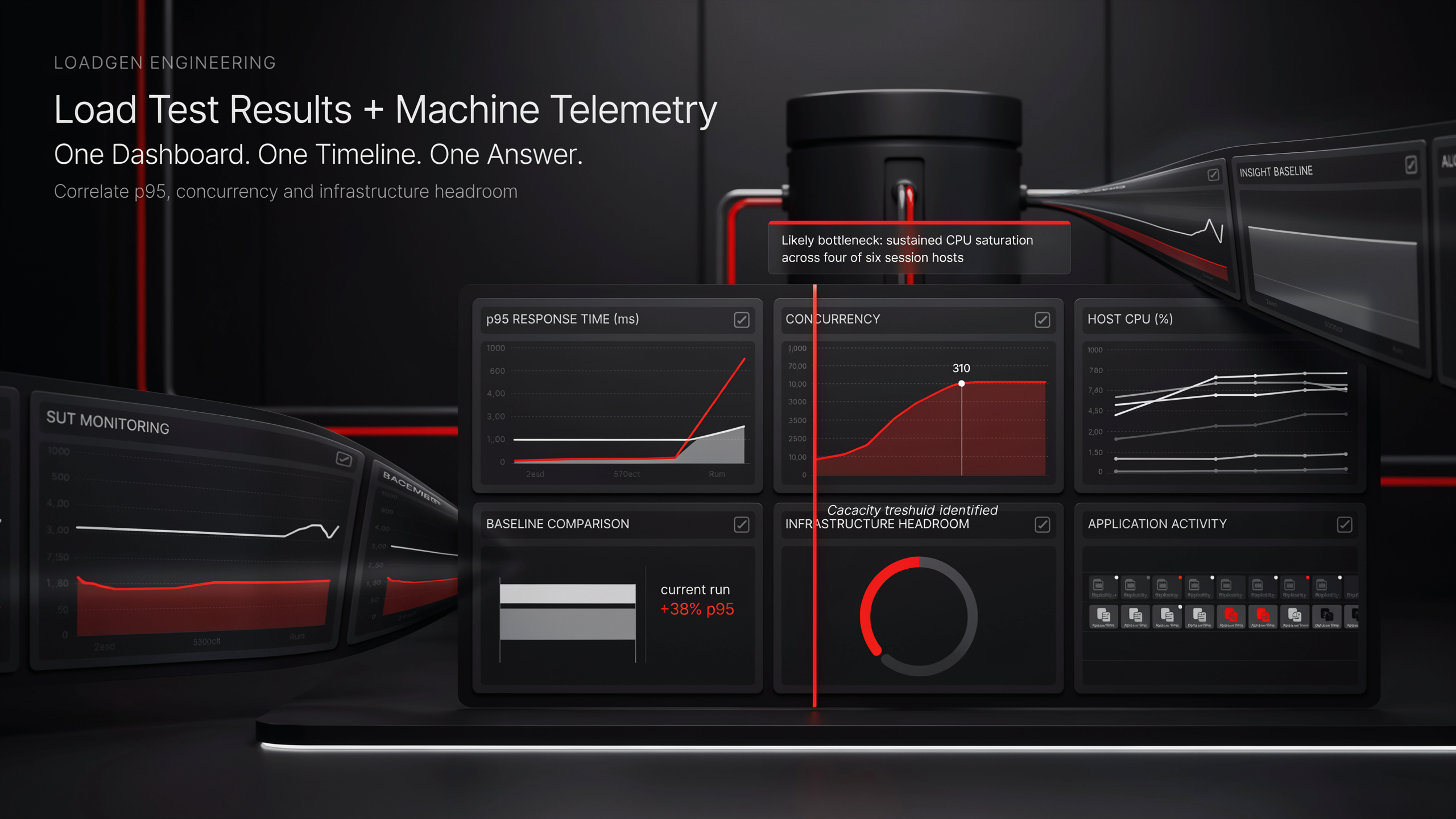
Combine Machine Telemetry with Load Test Results in One Dashboard | LoadGen
Load tests tell you p95 went up. Machine telemetry tells you why. Build one dashboard over both — in LoadGen Analyse with AI, or in Grafana over the same InfluxDB.
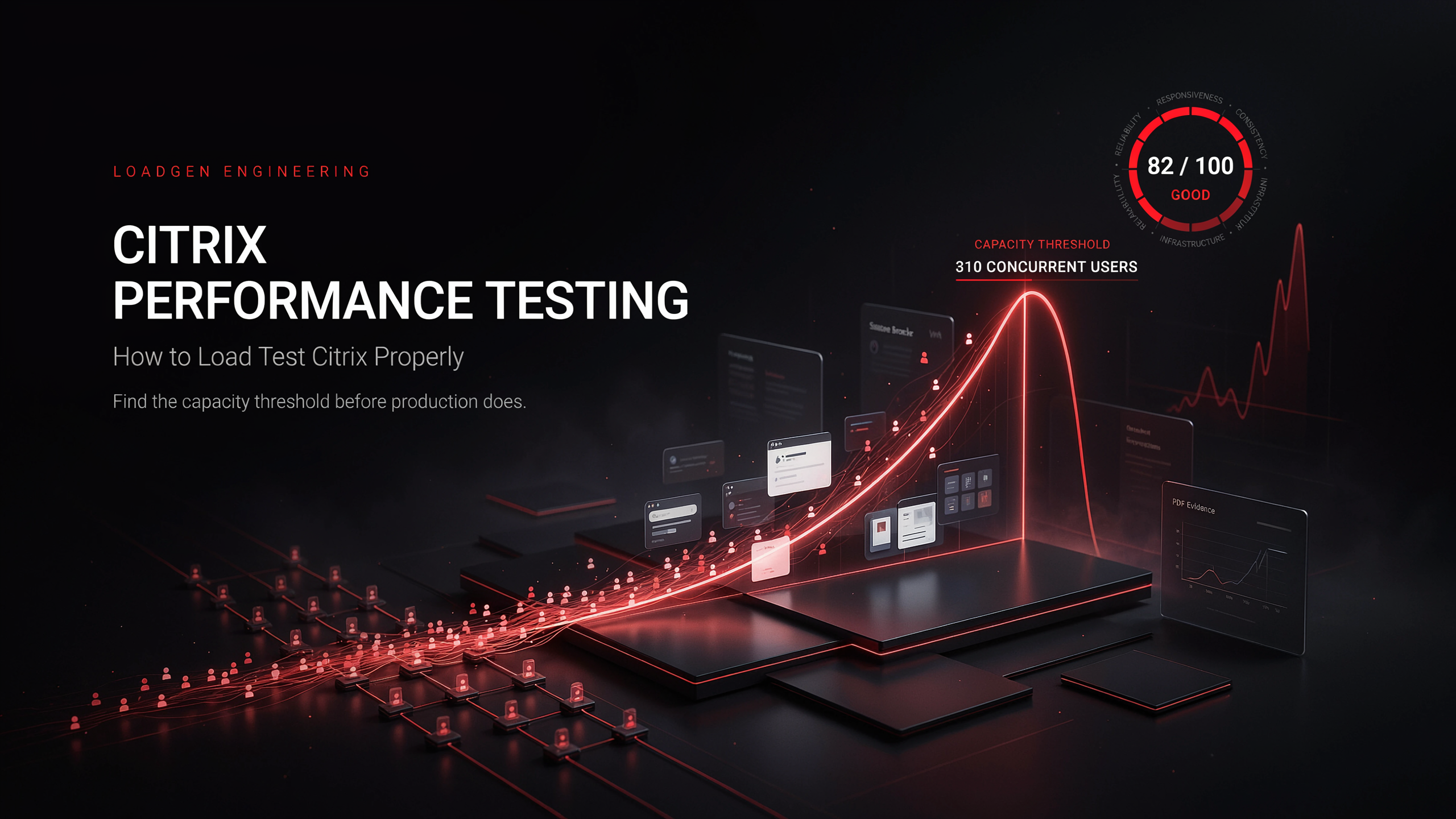
Citrix Performance Testing — How to Load Test Citrix Properly | LoadGen
How to load test Citrix: what to simulate, how to ramp, what to measure, and how to turn a run into a defensible "how many users fit" answer.
Ready to baseline your environment?
Run the wizard, hit the cockpit, watch the audit trail build itself.
