Citrix to AVD Migration Checklist | LoadGen
Baseline Citrix, test AVD, compare results. Platform wizards, parallel testing, post-migration monitoring. Migrate with confidence.
LoadGen Engineering
Product Strategy
Most Citrix → AVD migrations fail in one of three places: the day the team realizes they never baselined the existing Citrix environment, the cutover weekend when a wave of users surfaces a regression nobody measured, or the month after — when post-migration UX drifts and there's no monitoring to catch it.
A measured migration avoids all three. This checklist walks through the five steps that turn the move from a slide deck into an evidence-backed engineering practice — baseline, configure, compare, monitor, alert.
Step 1 — Baseline Citrix before you change anything
You can't measure migration success against a memory. Capture a Citrix baseline first, before any AVD configuration is touched.
- Create a Citrix load profile at
/config/load-profiles/new/citrix. - Configure your real connection — StoreFront, Gateway, PNAgent, or External Login. The wizard knows each topology.
- Set users, agents, display, and scenario to match your peak working pattern. Use the same
.lgsworkloads you'll later replay against AVD. - Run the test at
/testing/run. Watch it live at/testing/active. - Capture the result at
/testing/results— P90 / P95 response times, throughput, error rate per phase, per-action timing.
That result is your baseline. Every AVD comparison will measure against it. Don't skip step 1 — every migration that breaks at cutover broke at this step.
Step 2 — Configure the AVD environment in parallel
The migration is not a flag day. Configure AVD alongside Citrix and run them in parallel for as long as it takes to build comparison data.
- Create an AVD load profile at
/config/load-profiles/new/wvd. - The AVD wizard surfaces ARM-native configuration: Subscription, Resource Group, and Host Pool. Discovery is built in — no CLI scripts.
- Reuse the same scenario shape from step 1 — same workloads, same phases, same think time, same vUser ramp. The whole point is that only the platform changes.
- Run the AVD test against your AVD pilot pool. Watch it live, just like the Citrix run.
- Compare side-by-side at
/testing/results.
If you authored the scenario differently for AVD than for Citrix, you broke the comparison. The wizard is per-platform; the scenario shape is shared. Keep them honest.
Step 3 — Compare side-by-side at /testing/results
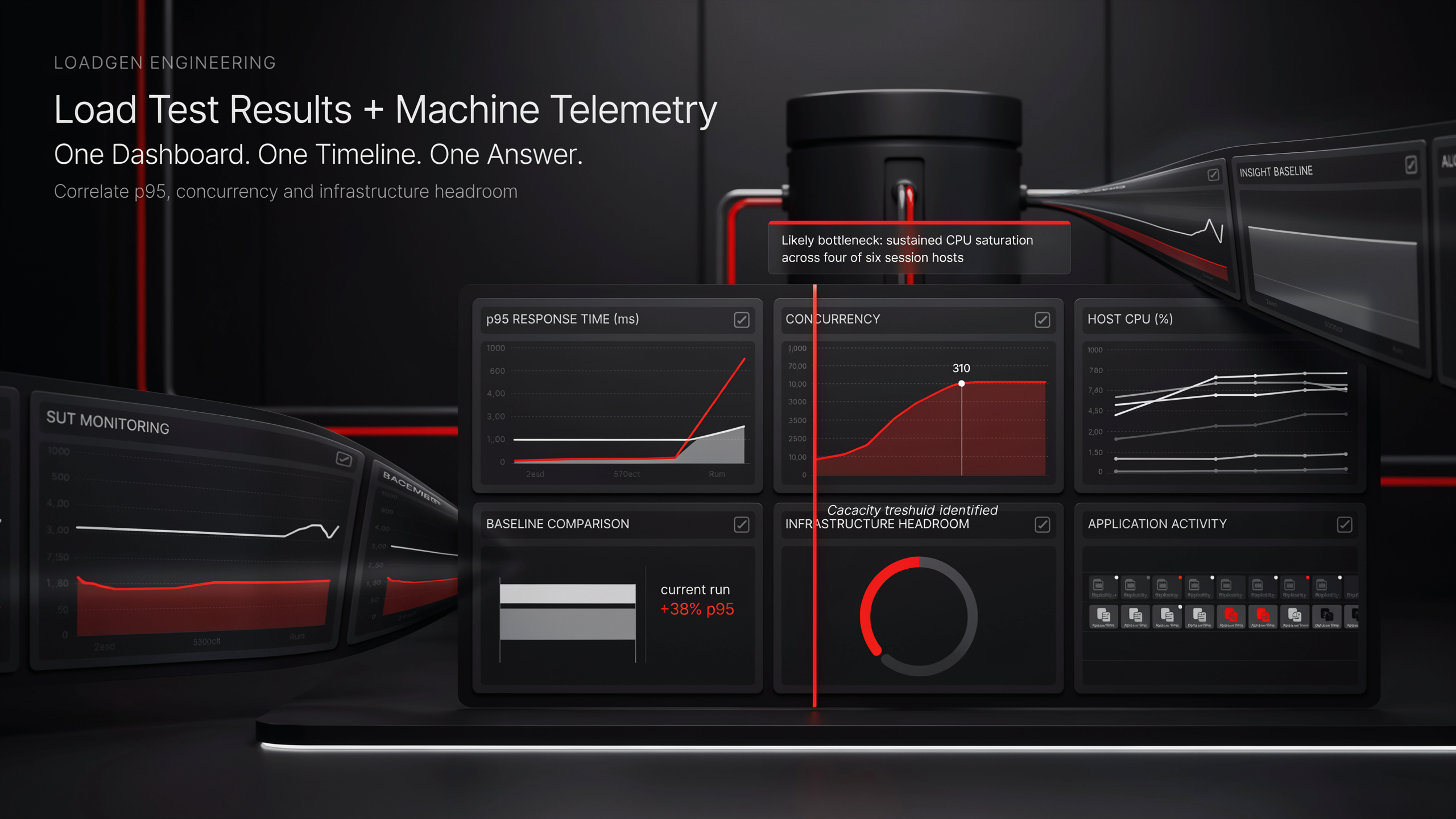
The comparison view is where the migration decision actually gets made.
- Filters — Date range, profile, status. Pull up the Citrix baseline and the most recent AVD test together.
- Overlay — P90, P95, error rate, throughput. Up to five runs at once, so you can chart how AVD is converging toward (or surpassing) the Citrix baseline as you tune host pools and FSLogix settings.
- Detail modal — Drill into Overview, Moments, Measurements, and Errors. The Moments view shows when in the run the gap appeared — was it logon, was it sustained load, was it a specific app?
- Trend strip — The same scenario across releases. Watch your AVD numbers improve as the team optimizes; freeze the comparison the day they cross the baseline.
This is the artifact you take to leadership when you ask for the cutover decision. "AVD performs within tolerance of the Citrix baseline at peak concurrency, with these specific exceptions" — backed by the evidence trail under it.
Step 4 — Don't stop monitoring after cutover
Migration is not "done" the day the last user moves. The first month on AVD is when the silent regressions land.
Configure E2E monitoring at /monitoring/profiles for the AVD environment immediately after cutover:
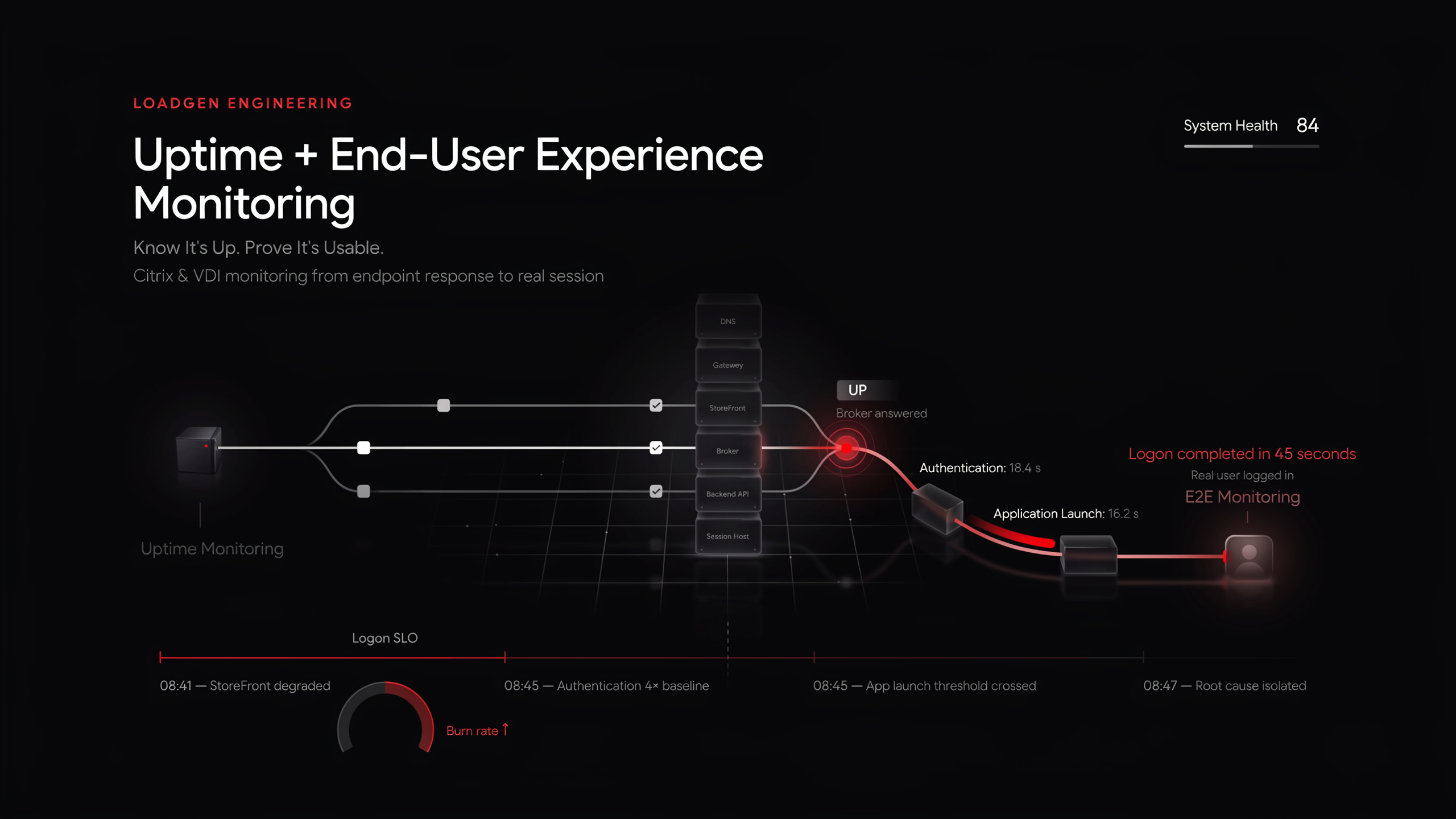
- Continuous UX monitoring — Synthetic + real-user perspective, running on the same scenarios you tested with.
- Threshold alerting — When P95 climbs past your post-migration target, you get paged before the helpdesk queue fills.
- SessionSight — Heatmaps, session replay, and journey analysis at
/sessionsight/dashboard. Specifically useful for catching UX regressions a synthetic check would miss — the post-migration "everything feels slow" complaint that has no error.
The same agents, the same scenario engine, and the same audit trail you used for testing now run continuously. There's no separate monitoring stack to stand up.
Step 5 — Wire alerting before the cutover, not after
The single most expensive migration mistake is "we'll set up alerts later." Later doesn't happen until the first incident.
Configure alerts at /alerting/profiles and triggers at /alerting/triggers. Wire notifications across the channels your team actually watches — email, webhook, SMS, WhatsApp. Add uptime checks for the AVD endpoint and any dependent services so availability becomes a continuous signal rather than a quarterly sample.
Three alert classes that should be live before any user is migrated:
- Logon latency breach — When average login time exceeds a threshold, page on-call.
- Concurrency cap — When session count climbs above your AVD pool's tested capacity, escalate.
- Error-rate spike — When error rate exceeds the Citrix baseline plus tolerance, escalate.
These thresholds are derived from steps 1 and 3 — the baseline you captured and the comparison you ran. Without those, you're picking thresholds out of the air.
Migration checklist summary
| # | Task | Route |
|---|------|-------|
| 1 | Baseline Citrix | /config/load-profiles/new/citrix → /testing/run |
| 2 | Configure AVD in parallel | /config/load-profiles/new/wvd → /testing/run |
| 3 | Compare side-by-side | /testing/results |
| 4 | E2E monitoring post-cutover | /monitoring/profiles |
| 5 | Alerting + uptime | /alerting/profiles · /alerting/triggers |
| 6 | SessionSight (recommended) | /sessionsight/dashboard |
Routes reference
| Step | Route |
|------|-------|
| Citrix load profile | /config/load-profiles/new/citrix |
| AVD load profile | /config/load-profiles/new/wvd |
| Run a test | /testing/run |
| Live cockpit | /testing/active |
| Results comparison | /testing/results |
| Monitoring profiles | /monitoring/profiles |
| Alert profiles | /alerting/profiles |
| Alert triggers | /alerting/triggers |
Conclusion
A Citrix → AVD migration that succeeds is one where every step is measured. Baseline before you change anything. Run AVD in parallel against the same scenario shape. Compare on the data, not on the slide. Monitor continuously after cutover. Wire alerts on numbers derived from your own baseline.
The platform supports each step natively, on one engine, with one audit trail. The migration becomes a sequence of measured engineering decisions instead of a leap of faith — and the cutover weekend stops being the night the team finds out whether it worked.
Related reads
Keep reading.
Complete Guide to VDI Performance Testing | Citrix, AVD, Omnissa Horizon (formerly VMware)
Why VDI testing matters, platform-specific load profiles, scenario design, live cockpit metrics. Citrix, AVD, Omnissa Horizon (formerly VMware), RDS.
Digital Experience Monitoring with SessionSight | LoadGen
Heatmaps (rage clicks, dead clicks), session replay, visitor tracking, journey analysis. DEM for Citrix, AVD, Omnissa Horizon (formerly VMware).
Visual API Testing — No-Code Flow Editor | LoadGen
28 node types, OpenAPI import, environment management, auth profiles. API testing in EUC — what Login VSI and ControlUp don't have.
Ready to baseline your environment?
Run the wizard, hit the cockpit, watch the audit trail build itself.